
 Now on the App Store for Mac, iPhone & iPad
110 developer tools. One native app.
JSON, encoding, hashing, generators & more — built natively for Mac, iPhone, and iPad. Everything runs offline, your saved inputs and outputs follow you from device to device via your own iCloud, and it's free to download — one purchase unlocks every tool.
Free download · Unlock all 110 tools for $24.99, once · No subscription · No account required
See it in action
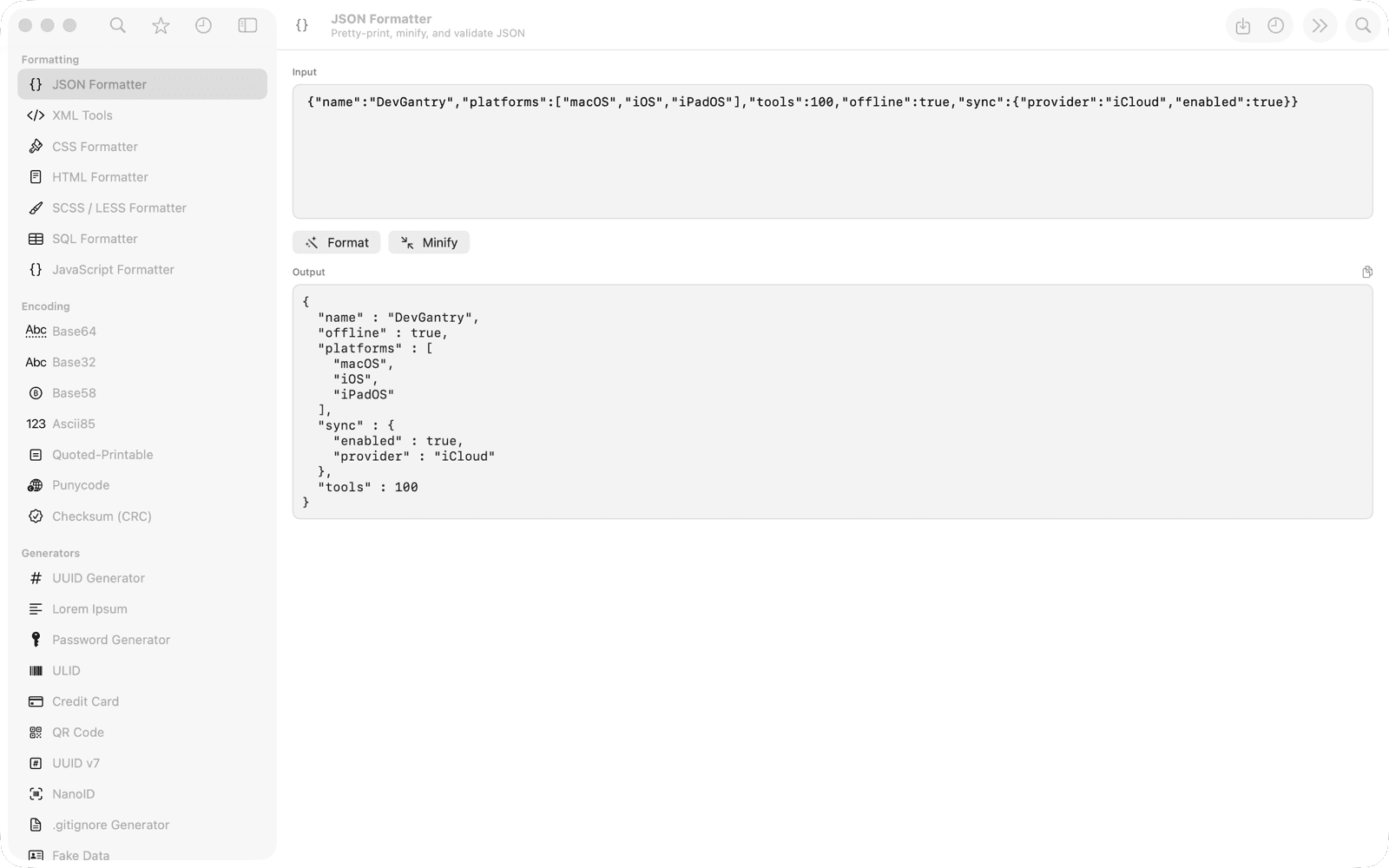
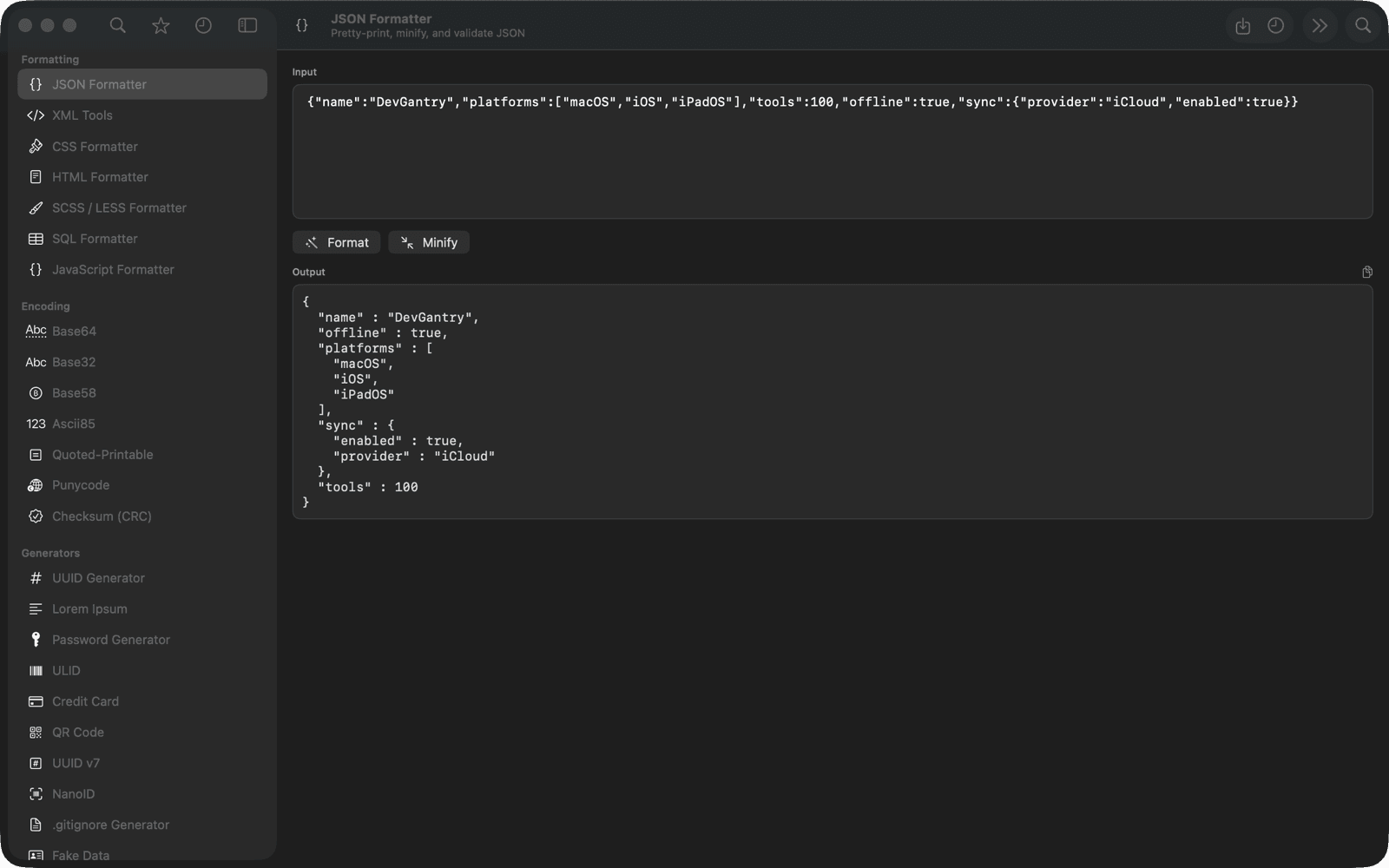
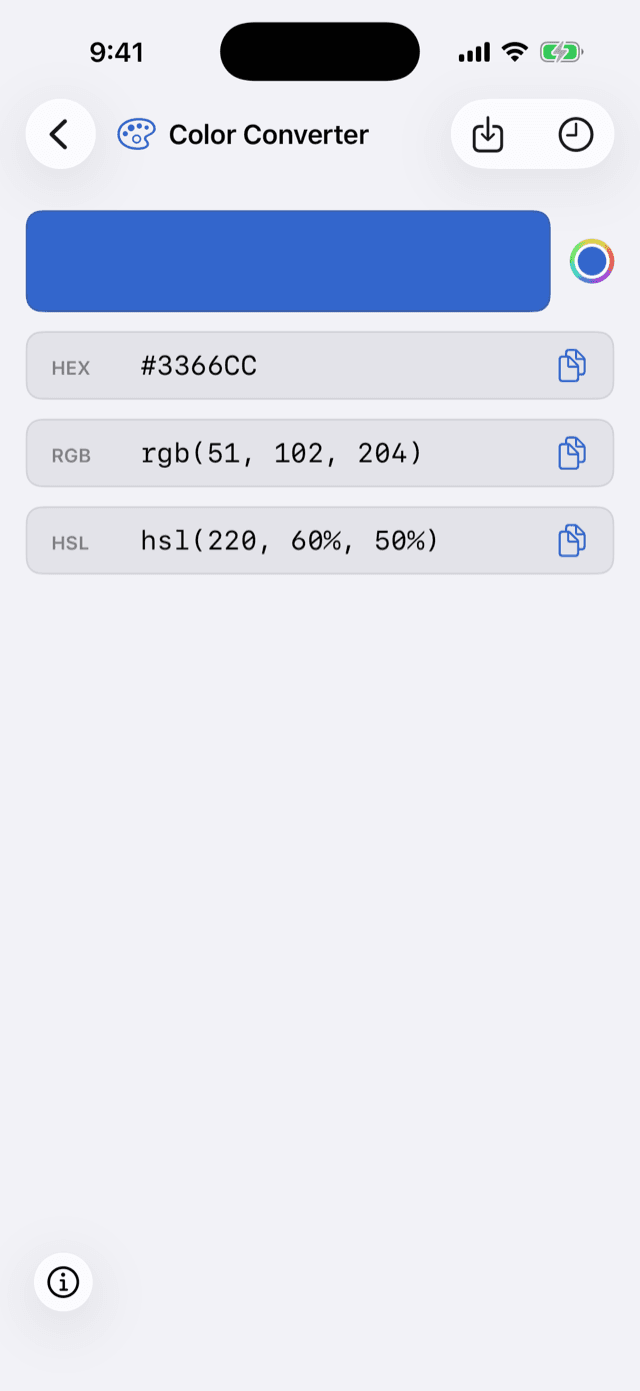
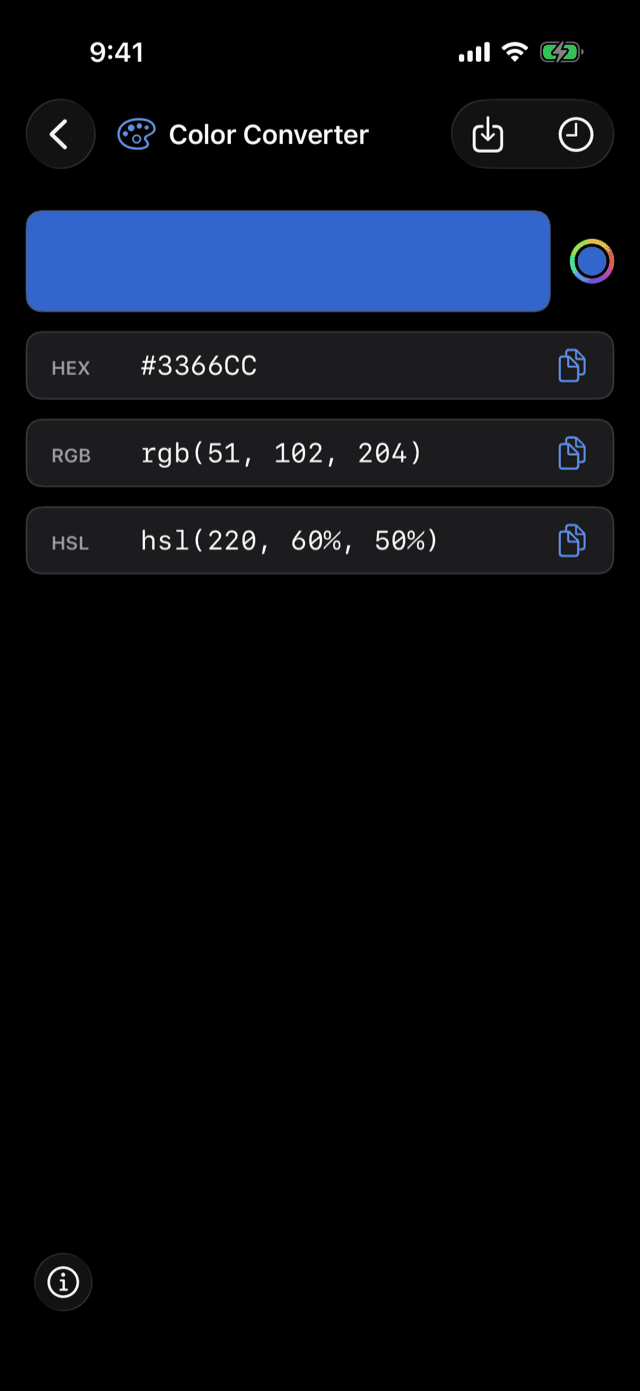
Native on your Mac. Native in your pocket.
The same tools everywhere, built with SwiftUI on every platform — no web views, no compromises. Here's the real app, not a mockup.
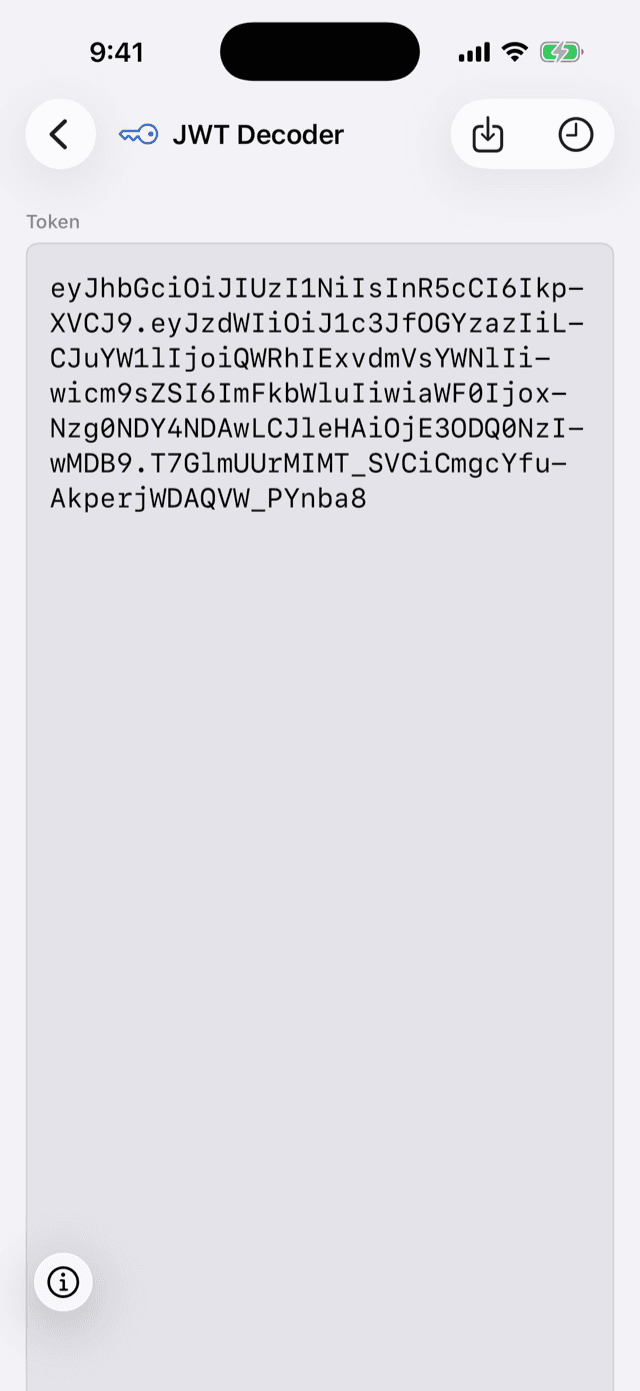
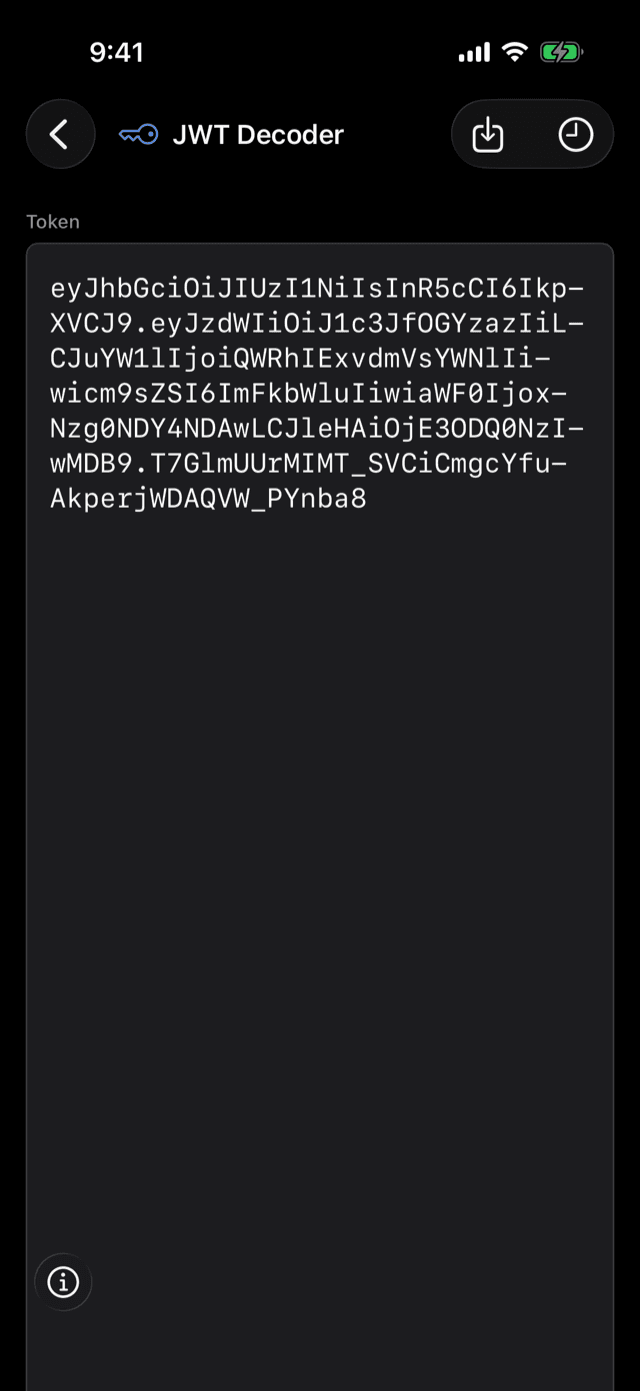
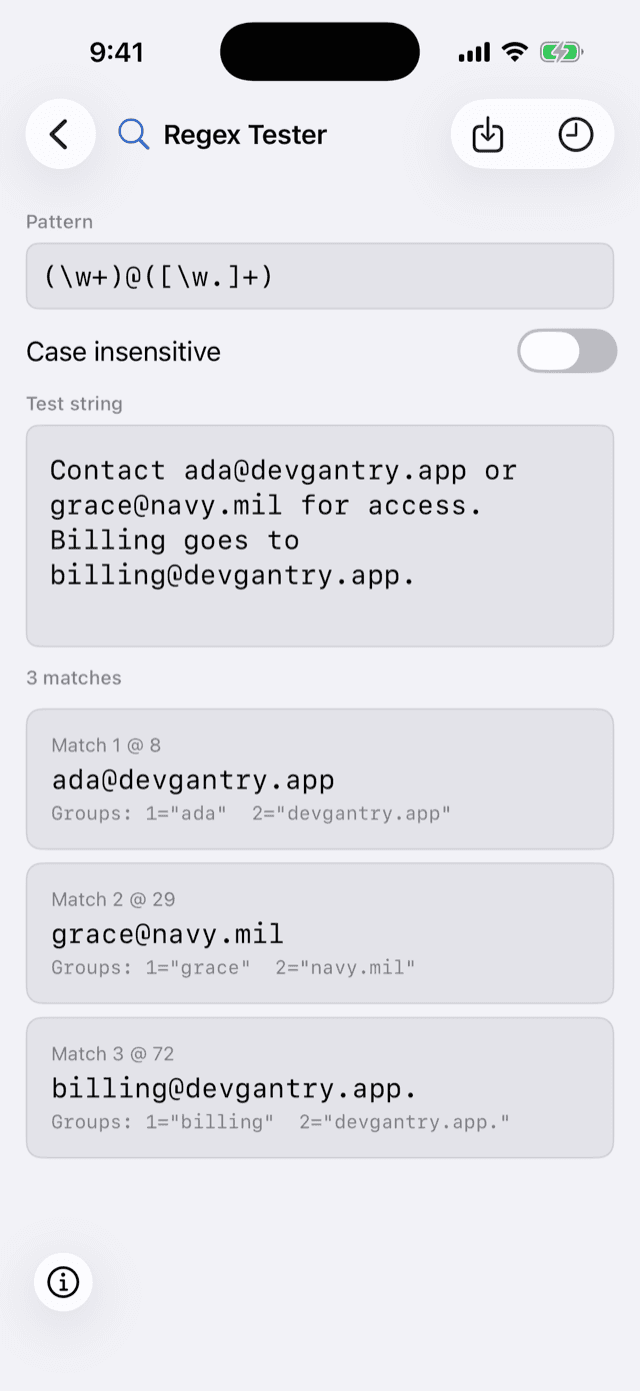
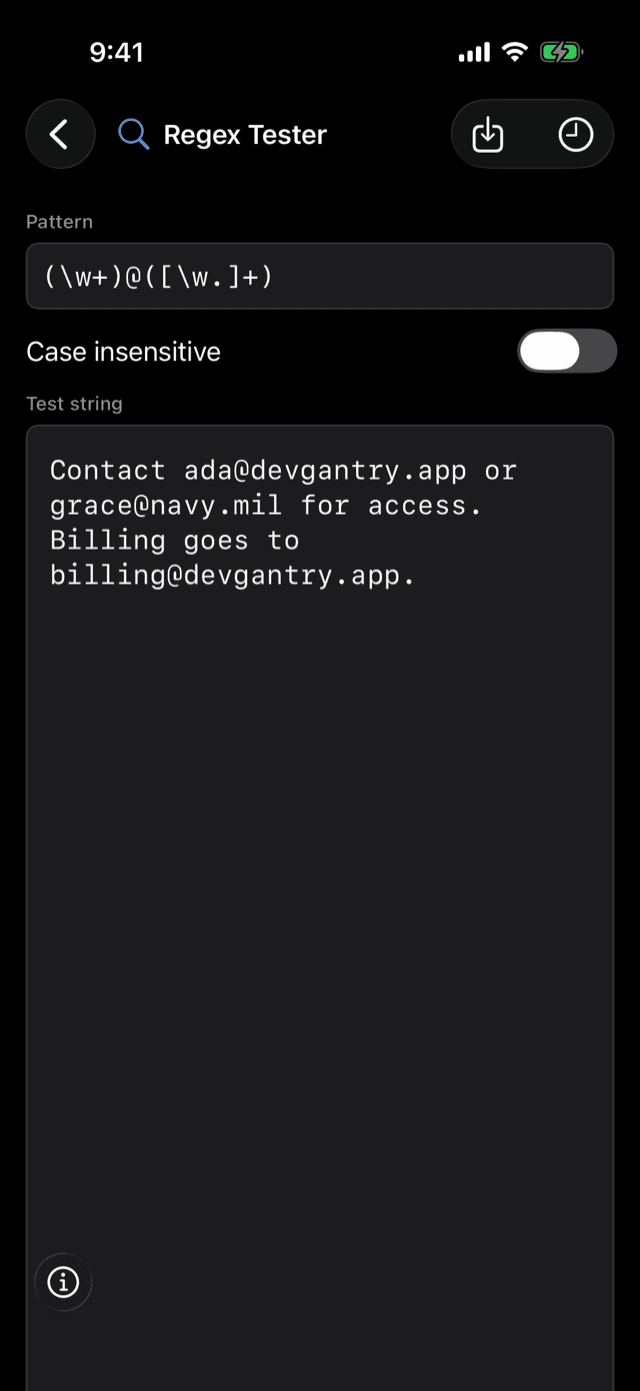
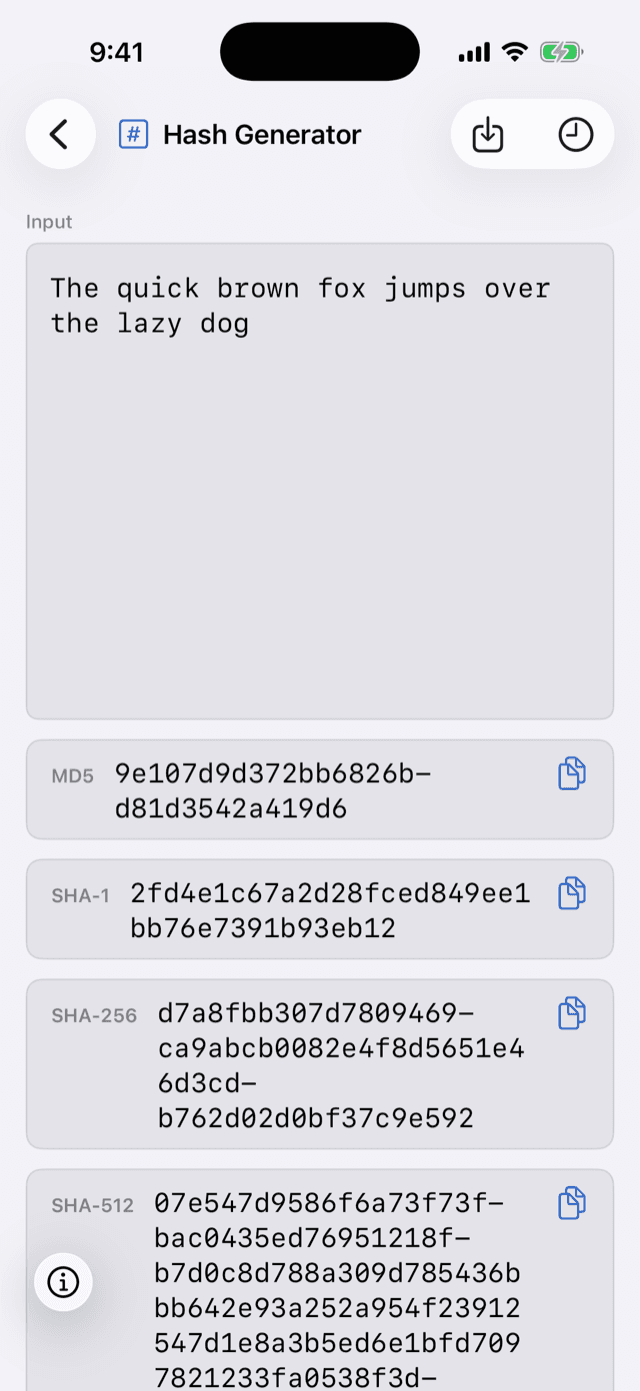
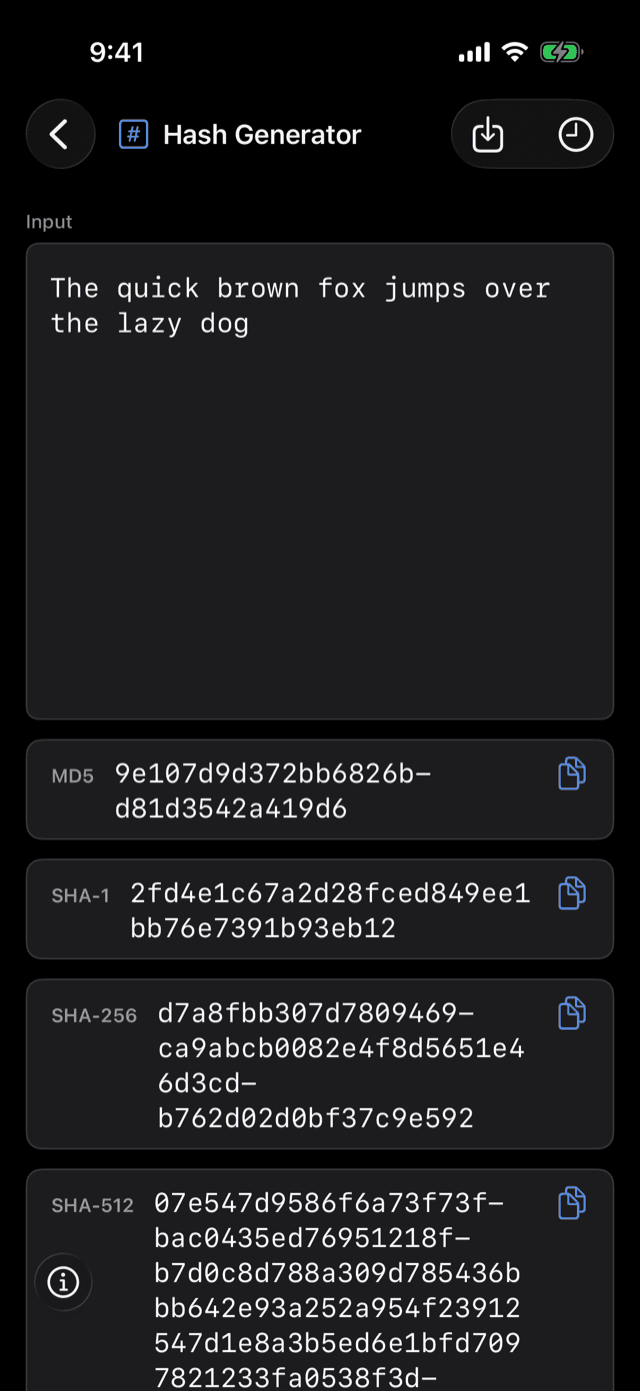
- tools
- 110
- categories
- 11
- platforms
- 3
- languages
- 5
- unlock — yours forever
- 1
Built for flow
A power tool, not a website with ads
No trackers, no upload spinners, no banner ads next to your API keys. Your data never leaves the device unless a tool explicitly says otherwise.
⌘K command palette
Jump to any tool instantly — search by name, category, or keyword without touching the sidebar.
⇧⌘V smart-detection
Recognizes JWTs, JSON, UUIDs, timestamps, colors & more on your clipboard and opens the right tool pre-filled.
Offline by design
Everything runs on-device. Only six clearly-marked tools ever touch the network.
Private by default
Secrets like TOTP keys and passwords are never written to history — nothing sensitive leaves the tool.
History & pinned snippets
Save any result to history, then pin the keepers into a permanent snippet library.
Menu bar & ⌥⌘Space
A macOS menu bar item and a rebindable global hotkey put every tool one keystroke away.
Widgets & Shortcuts
Quick generators on your Home Screen, and every text tool automatable through App Intents.
Truly native
SwiftUI and SF Symbols throughout — fast launch, and at home on every Apple platform.
Your work, everywhere
Start on your Mac. Finish on your iPhone.
Hit Save to history on any result and its inputs and outputs travel with you — synced across Mac, iPhone, and iPad through your own iCloud account.
Step 1
Save it
Decoded a JWT, formatted some JSON, generated a hash? One tap on Save to history keeps the whole thing — inputs and outputs together.
Step 2
It syncs
Through your own iCloud account — no DevGantry account, no third-party server, nothing to set up.
Step 3
Pick it up anywhere
Open the same entry on your iPhone or iPad, apply the input, and keep working. Pin the keepers into a named snippet library shared by every device.
Your data stays in your iCloud — DevGantry has no servers and no accounts.
All 110 tools, explained
Dozens of tools are free to use. One purchase unlocks all of them — no subscription, no per-tool pricing, nothing else to buy.
Formatting · 7
Pretty-print and clean up code in every language you touch, without leaving your editor
Encoding · 7
Every binary-to-text encoding a working developer actually runs into, in one place
Generators · 10
Instant IDs, passwords, placeholder data & codes, generated locally on demand
Converters · 25
The largest toolbox in DevGantry — convert between formats, units, and encodings in one click
Web · 13
Everything for working with URLs, HTTP, and web auth headers day to day
Text · 10
Slice, diff, clean, and transform text the way you actually work with it
Security · 5
Hashing, signing, and encryption utilities that never leave your device
Network · 8
IP address and network math for the moments a calculator won't cut it
Image · 16
Inspect, transform, and export images without uploading them anywhere
AI · 2
Compose structured prompts and keep the ones you reuse in one searchable, synced library
Brazil · 7
Validate every Brazilian document number, backed by verified check-digit math
Frequently asked questions
Is DevGantry a subscription?
No. DevGantry is free to download, and a single one-time purchase unlocks every tool forever. There is no subscription, no per-tool pricing, and no account to create.
How much does DevGantry cost?
The download is free and includes dozens of tools you can use right away, plus a free trial of many more. Unlocking the full version is a one-time $24.99 in-app purchase that includes all 110 tools on macOS, iOS, and iPadOS, every future tool and update, and Family Sharing — there is no subscription.
I bought DevGantry before it went free. Do I have to pay again?
No. If you bought DevGantry while it was a paid app, you already own the full version. It's recognized automatically from your App Store purchase on every device signed in to the same Apple Account — nothing to enter, nothing to restore.
What platforms does it run on?
DevGantry is a native app for macOS, iOS, and iPadOS, built with SwiftUI. One purchase covers all three platforms.
Does DevGantry work offline?
Yes. Almost every tool runs entirely on your device with no network access. Only six features touch the network: the Brazilian CEP address lookup, the My IP tool's public-IP lookup, HTML Preview's rendering of remote resources referenced in pasted HTML, Link Preview's fetch of the URL you paste to render social/chat link-unfurl cards, Network Tools' DNS/HTTP/TLS/port-scan/WHOIS lookups against the host or domain you specify (its Local Network mode is fully offline), and Website Inspector's loading of the URL you enter in a built-in browser.
How does syncing work?
When you save a result, both its inputs and outputs are saved together and available on all your devices — synced through your own iCloud account. Nothing is sent to any DevGantry server.
What languages is DevGantry available in?
The app ships in English, Portuguese (Brazil), Spanish, French, and German.
Is my data private?
Every tool runs locally on your device. Sensitive values like TOTP secrets, generated passwords, and raw plaintext are deliberately never written to history.
How many tools does DevGantry include?
DevGantry includes 110 tools across 11 categories today, and more are added over time at no extra cost.
Is DevGantry available now?
Yes — DevGantry is available on the App Store for Mac, iPhone, and iPad. One purchase covers all three platforms.
Stop pasting your data into random websites.
110 native tools, running entirely offline on your own device. Free to download. Unlock everything for $24.99 — once, forever, no account, no subscription.